









Resources / FAQ / Platform & getting started
Resources · FAQ · Platform & getting started
How to explore environmental data in your XNatura platform demo
Once the environmental data generation for your asset is complete, the XNatura platform demo becomes a powerful interactive tool at your disposal. From this moment on, you have the freedom not only to explore and delve into all the generated KPIs but also to modify the area under analysis to create and simulate future scenarios. To guide you in this phase of discovery and analysis, we will outline the key steps to make the most of your demo. Each instruction is accompanied by demonstration videos that will guide you step by step through the entire exploration process.
Questions & answers
How to explore environmental KPIs?
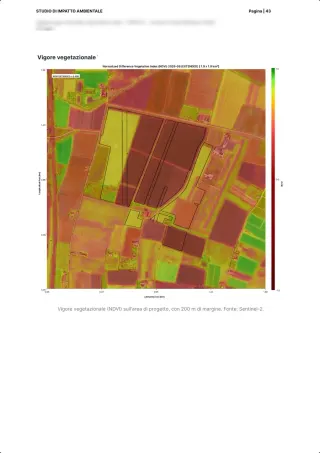
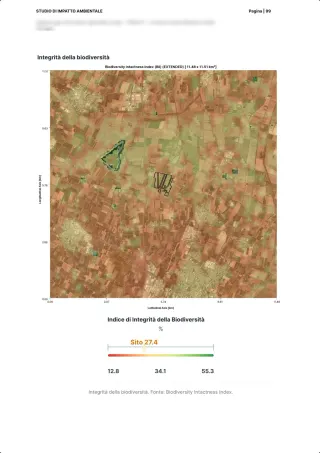
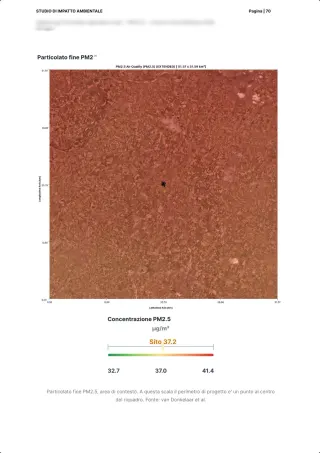
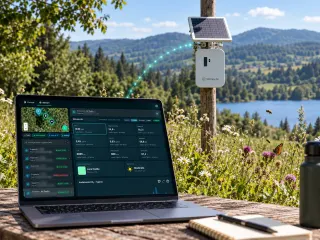
The XNatura platform interface is designed to be simple and intuitive: the environmental Key Performance Indicators (KPIs) are presented in clear graphical dashboards, grouped thematically to facilitate consultation. As you can see in the video, by scrolling down the page you will be able to view all the environmental metrics analyzed remotely and immediately following those monitored in real time by IoT sensors (if installed at your site). To support your analysis, the platform includes interactive tools. In dashboards marked with the appropriate icon, you can manually insert notes and comments on the data. For greater efficiency, a function is also available that generates comments with the support of Artificial Intelligence, simply by providing some keywords as input. To ensure maximum transparency and usability, all dashboards come complete with a legend, clearly indicate the data sources underlying the KPIs, and offer a download icon for easily downloading charts or maps of interest. In the video, discover how to navigate quickly through the platform and focus on the KPIs of greatest interest.
How to input additional details about the production process in the platform?
Providing specific information about your production process is a crucial step, as it allows the platform to correctly analyze the environmental impacts and dependencies associated with your activities. As shown in the video, you can access the section called Locate. Here, you will have the opportunity to input various key details, both about the geographical area of the site under analysis and about the specific information related to the production process taking place there.
How to modify the land cover information of your site?
One of the most powerful and interesting features offered by the platform is the ability to assess different land use scenarios (Land Cover) for your site. This allows you to accurately estimate how environmental metrics will change based on potential modifications you make or plan for the area. This simulation is particularly useful in two key contexts: Historical Analysis: if you wish to compare the current land cover of the site with a previous land use in the specific area. Prospective Planning: if you are developing a future project on the site and want to estimate in advance what the impact of that intervention will be on the current environmental KPIs. The video illustrates how you can easily and manually change the type of land cover within your site to create these scenarios.
How to delete a polygon or a version of land cover?
Since the platform allows you to insert new polygons and create multiple versions of land cover for your analyses and scenarios, it is possible that over time obsolete or no longer relevant versions will accumulate. To keep the working environment organized and focused, the platform offers a simple way to delete these unnecessary versions. The video shows the clear steps to follow to delete a polygon or a version of land cover.
How to request support from Assistance?
While delving into the environmental data on the platform, it is natural for questions, curiosities, or the need for clarification to arise. For any needs, our Assistance service is at your complete disposal to provide you with quick and precise answers, ensuring you explore the demo of the platform to the fullest. In the video, you will find the steps to easily contact Assistance. Once you have explored the demo and gained the necessary familiarity to understand the KPIs, you will be ready to initiate your definitive environmental assessment with the XNatura platform. Contact us to discuss your specific needs with our experts and begin your environmental evaluation journey with the XNatura platform.
See it live